Registration and Account Activation
Create an Account
-
Schedule a Call
On the QA Clan homepage, click the Schedule A Call button in the top‑right corner.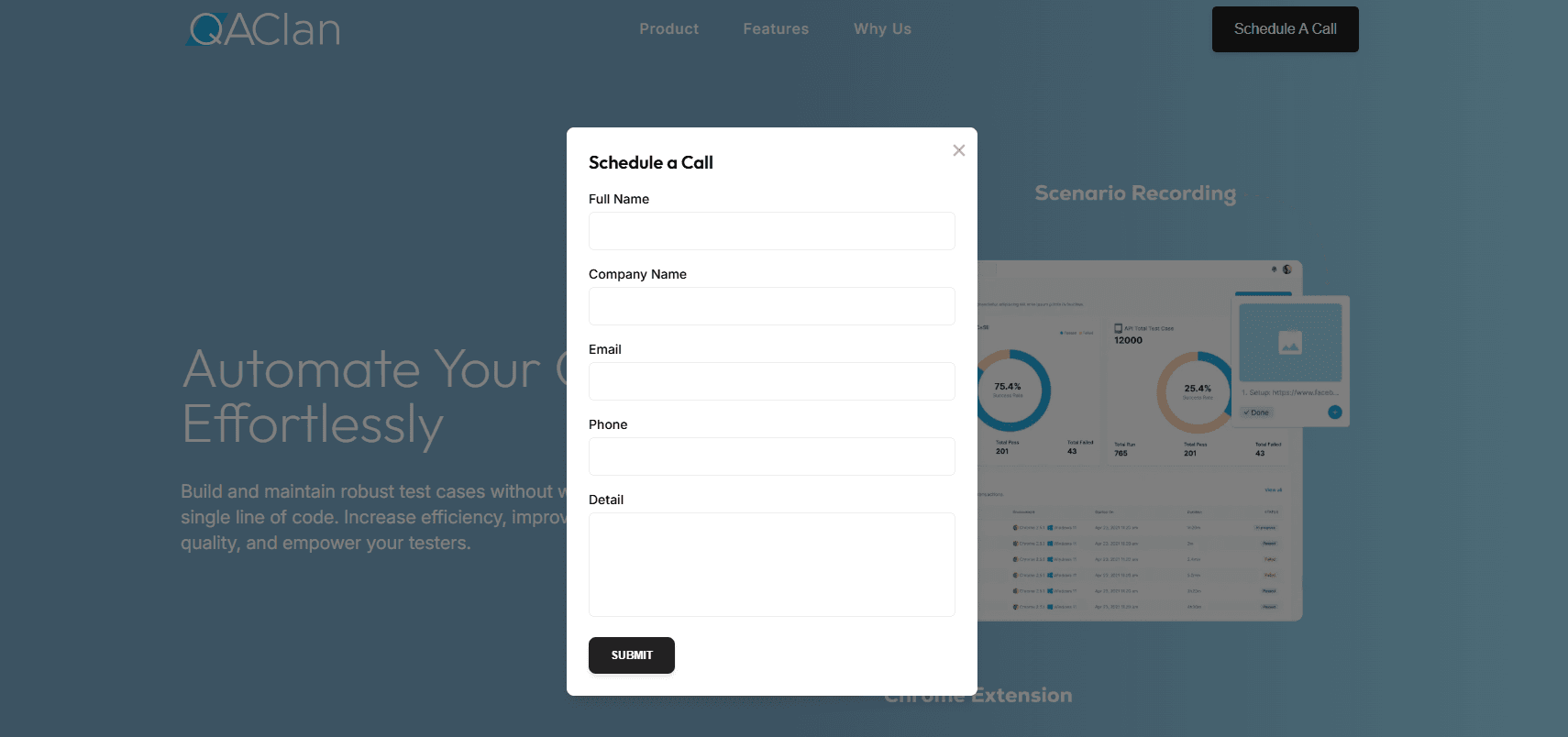
-
Submit Your Details
In the pop‑up form, enter:- Full Name
- Company Name
- Phone
- Additional Details (optional)
Then click Submit.
-
Wait for Our Team to Reach Out
A QA Clan representative will contact you shortly to discuss your needs and finalize your setup. -
Activate Your Account
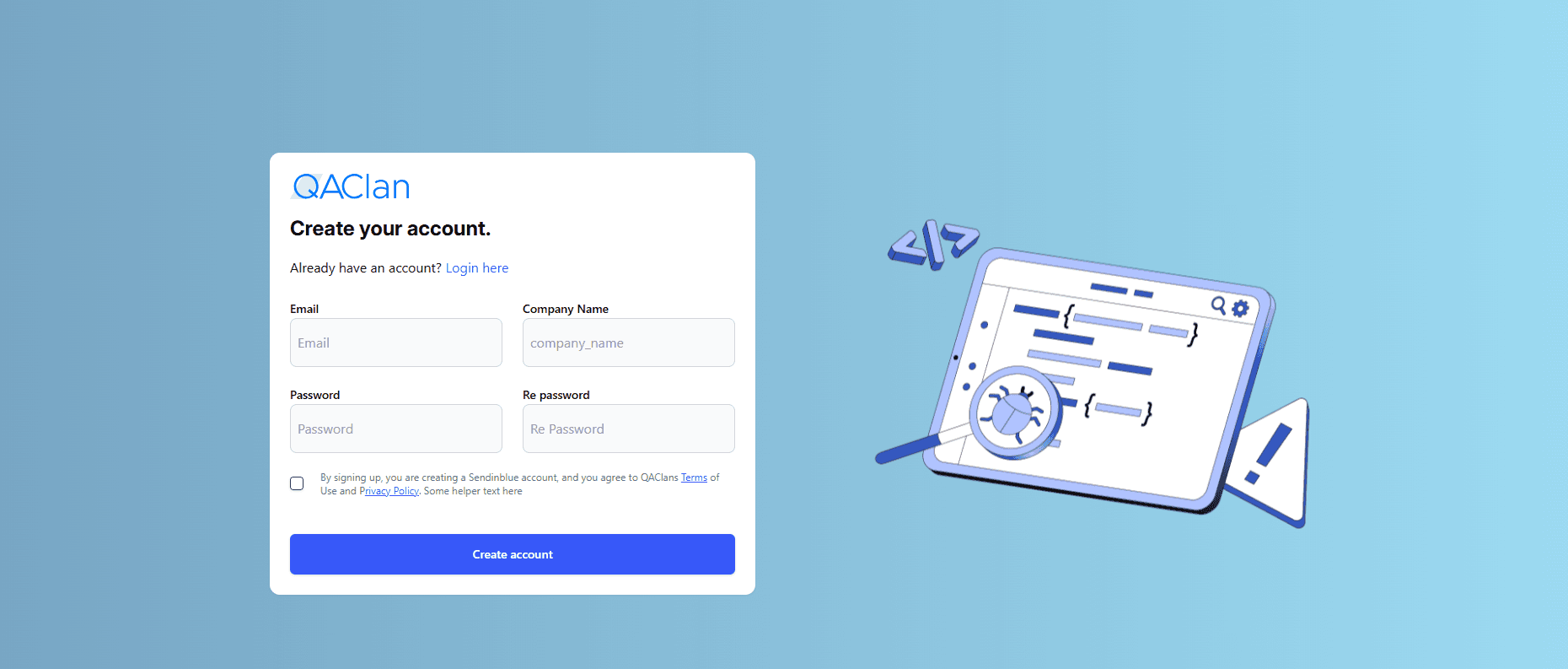
Once approved, you’ll receive an email containing a verification link.
Click that link to verify your email address, set your password, and complete your account activation.
Login
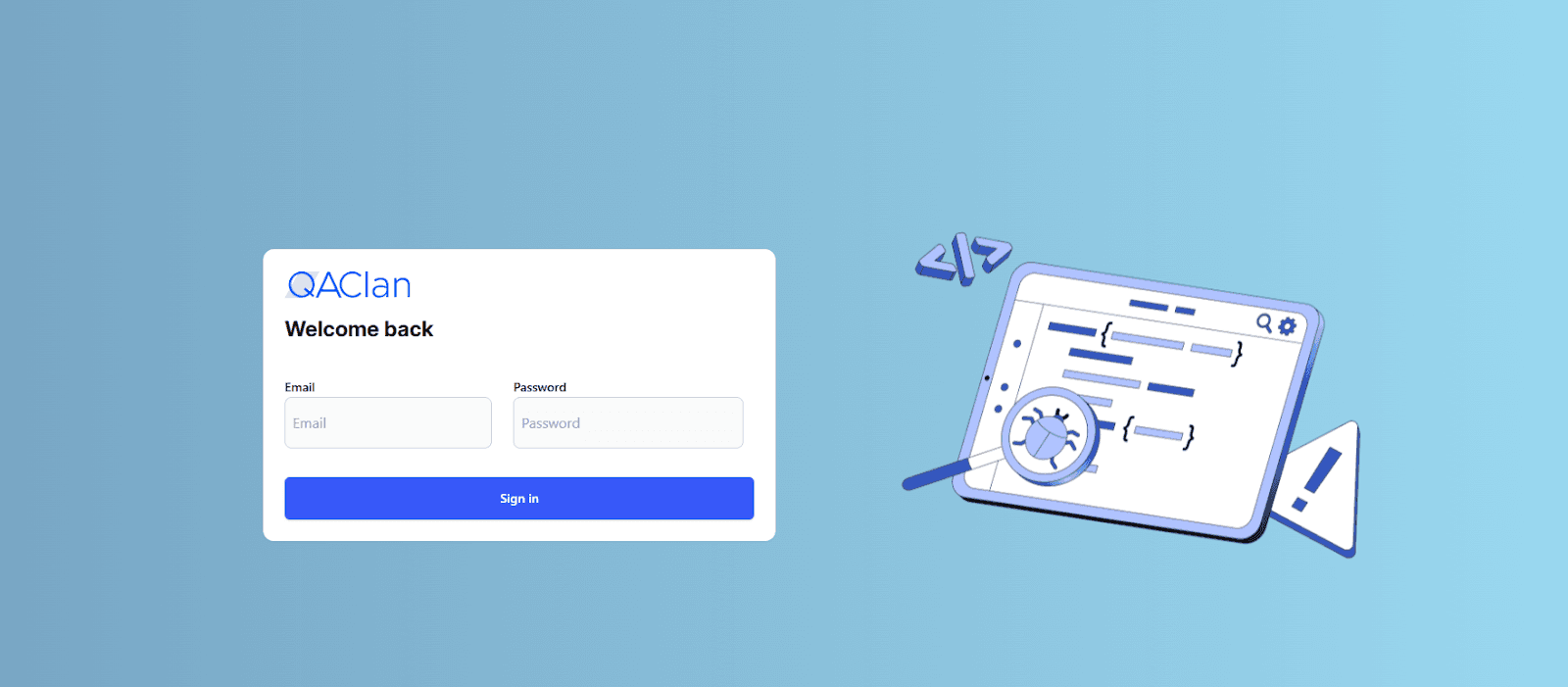
To access QA Clan, follow these steps:
- Visit https://app.qaclan.com/signin .
- Enter your registered email address and password in the provided fields.
- Click the Sign In button to log in.