Schedule Feature Guide
The Schedule feature in QAClan allows users to run test cases periodically at predefined intervals. This helps automate test execution without manual intervention, ensuring continuous testing.
Steps to Create a Schedule
-
Click Schedule in the left-side menu.
-
Click the Schedule Test Case button.
-
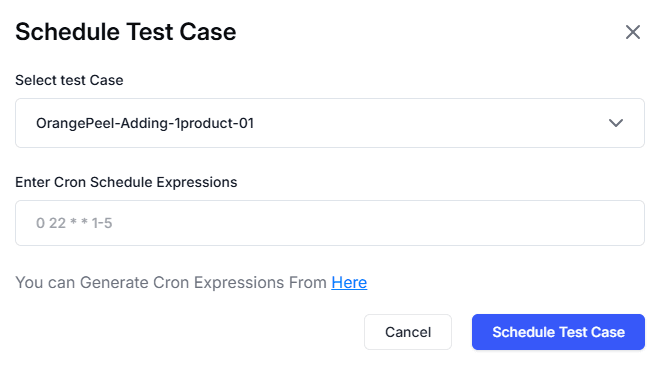
A menu will pop up—select the desired test case from the dropdown menu.
-
Enter a Cron Schedule Expression in the provided field to define the execution timing.
-
Click the Schedule Test Case button to finalize and activate the schedule.
This feature ensures that test cases are executed automatically at specified times, improving efficiency in test management.