Extension Download and Installation
Downloading the Extension
-
Log in to your QA Clan account at https://app.qaclan.com/ .
-
Navigate to the Test Cases section in the left-hand menu.
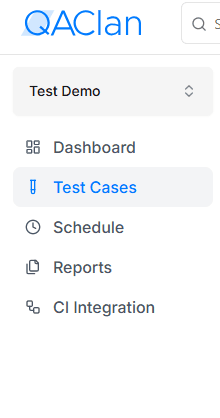
-
If you’re a new user, create a new project first, then go to Test Cases.
-
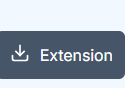
Click the Extension button to download the QAClan Test Case Recorder extension as a ZIP file.
Installing the Extension in Chrome
Follow these steps to install the extension:
- Extract the downloaded ZIP file to a folder on your computer.
- Open Chrome and go to the extension management page by entering
chrome://extensions/in the address bar. - Enable Developer mode by toggling the switch in the top-right corner.
- Click Load unpacked and select the folder containing the extracted extension files.
- Pin the QAClan Test Case Recorder extension for quick access by clicking the extensions icon and choosing the pin option.