Run Stress Test
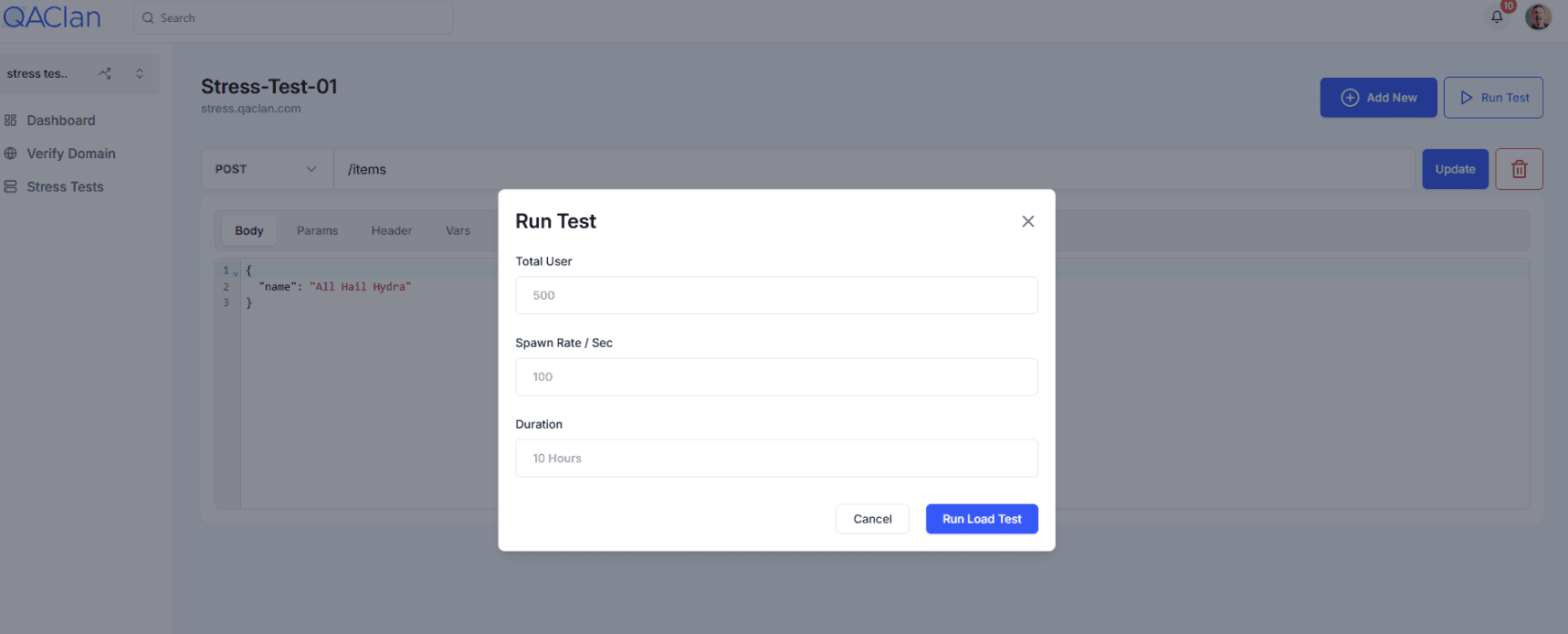
To execute your load scenario:
- In the test view, click Run Test.
- In the Run Test form, enter:
- Total User: Total concurrent virtual users to simulate.
- Spawn Rate / Sec: How many users to add per second.
- Duration: Test duration (e.g.
10m,1h).
- Click Run Load Test.
A live Run Test window appears showing:
- Status (Spawning, Running, Completed)
- Users: Active virtual users
- RPS: Requests per second
- Failures: Total number of failed requests
- Reports tab: Table with
Name,Requests,Fails,Median (ms),Min (ms),Max (ms),Avg Size (bytes),Current RPS,Current Failures/s - Errors tab: Lists failures by endpoint with error messages and occurrence counts
You can Stop or Edit the test at any time.