Reports Section Guide
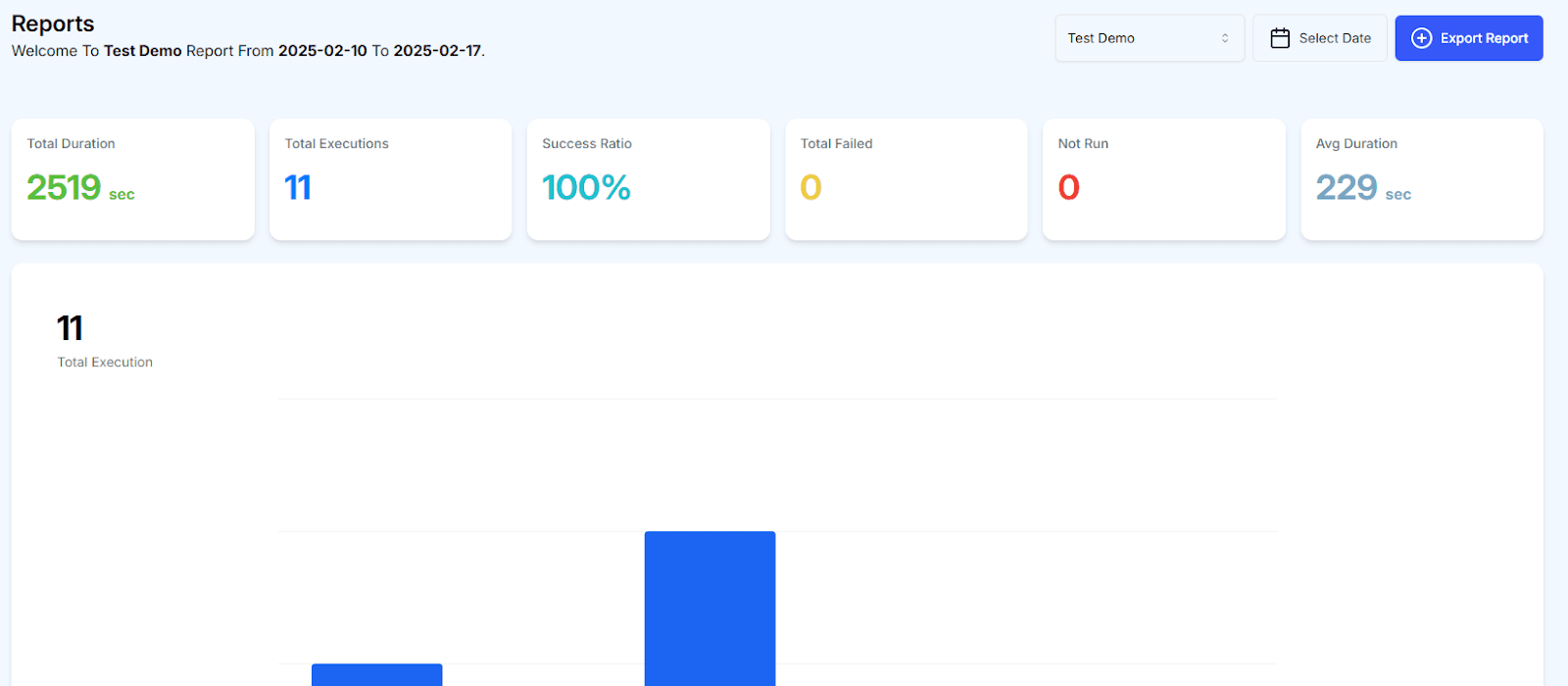
The Reports section in QAClan provides a detailed overview of test execution results through visual representations, such as bar graphs. This feature allows users to:
- Analyze test outcomes: Understand the results of executed tests at a glance.
- Track trends: Observe patterns and trends across multiple test executions.
- Gain insights: Evaluate the overall performance of your test suite.
Exporting Reports
Reports can also be exported for further analysis or documentation purposes, ensuring that stakeholders have access to the necessary data for informed decision-making.
This section serves as a powerful tool for monitoring and improving the quality of your testing processes.