Verify Domain
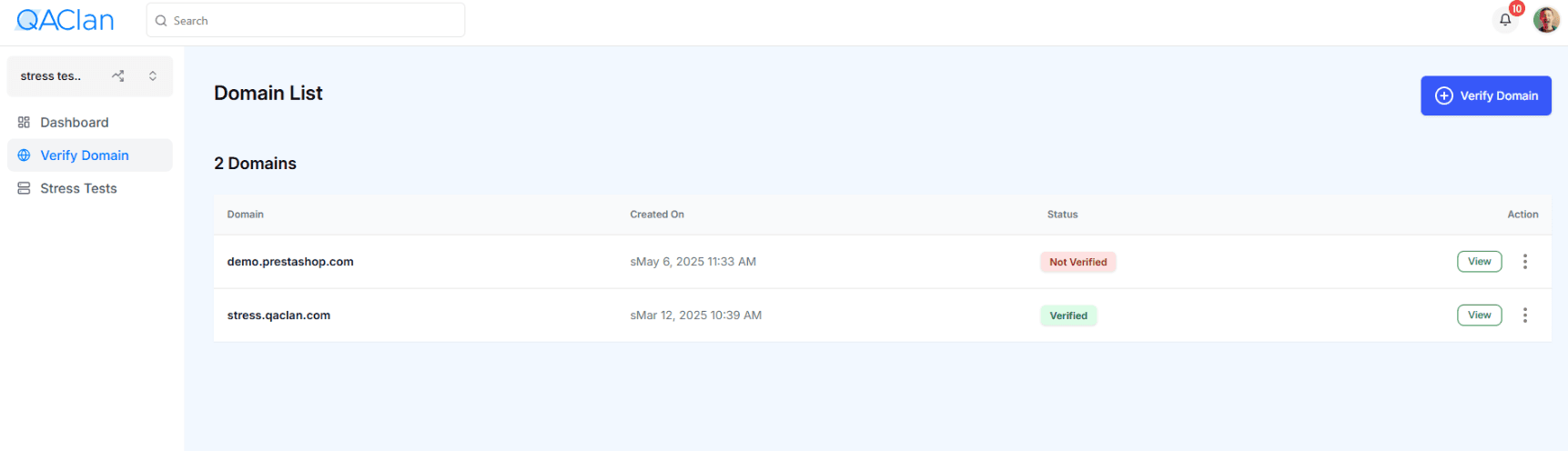
Before running any stress tests, you must verify your domain:
- Click Verify Domain.
- In the Add Domain modal:
- Domain: Enter the full domain (e.g.
stress.qaclan.com). - Hostname: Typically
@. - Type: Select
TXT.
- Domain: Enter the full domain (e.g.
- Click Add, then copy the generated TXT Value.
- In your DNS provider’s dashboard, add a TXT record with the provided Value.
- Once DNS has propagated, return to QA Clan, click View next to the domain, then Verify.
- The domain’s Status will update from Not Verified to Verified.