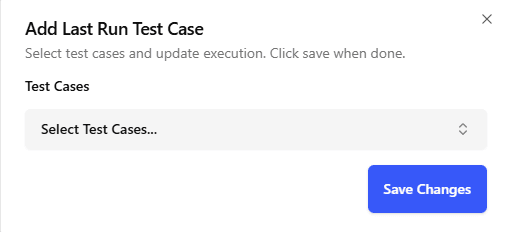
First and Last Run
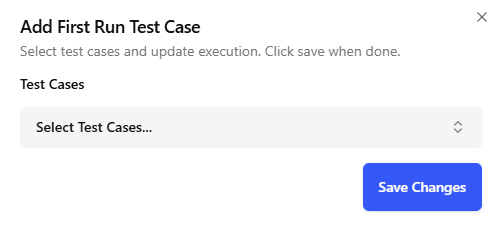
First Runs
- The First Run functionality is designed to execute essential preliminary steps before the main test case begins. For instance, actions like signing in or logging in are performed as a First Run. This approach eliminates the need to repeatedly execute these foundational steps for every test case, thereby streamlining the testing process.
To set up a First Run, navigate to the First Run option in the navigation drawer and attach it to your test case. This ensures that the designated preliminary steps—such as logging in—are executed automatically before the main test case starts.
Last Runs
- Conversely, Last Runs are used to execute necessary concluding actions after the main test case has completed. Typical examples include logging out or other cleanup operations. Implementing Last Runs ensures that the testing environment is consistently reset, which helps maintain the integrity and reliability of subsequent tests.
To set up a Last Run, navigate to the Last Run option in the navigation drawer and attach it to your test case. This ensures that the designated concluding steps are executed automatically after the main test case finishes.