Test Case Execution
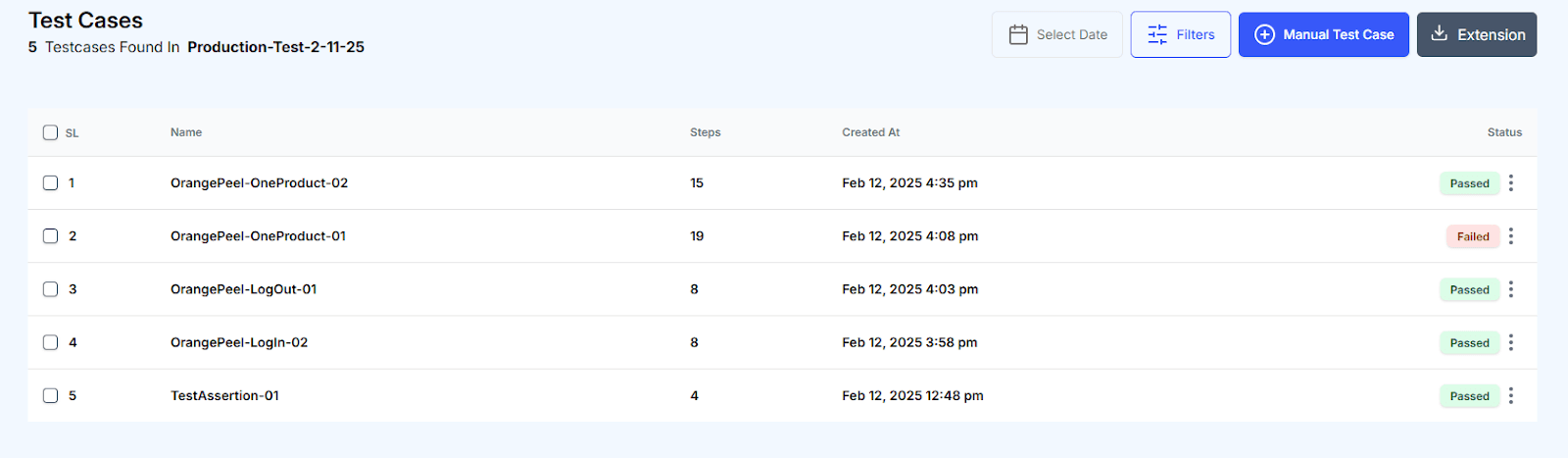
Pass & Fail
During test execution, all assertions must pass for the test case to be marked as successful. If any assertion fails, the entire test case is automatically marked as Failed. This mechanism ensures that even a single discrepancy in the expected outcome is captured and highlighted.
Screen Resolution
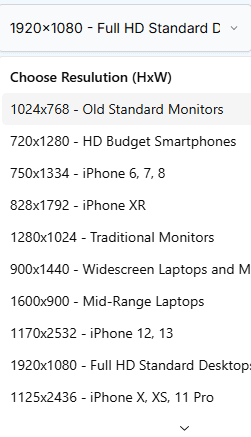
QA Clan provides 15 preset screen resolutions that you can select from a dropdown menu when running a test case. Each resolution simulates a different device or display type, allowing you to ensure consistent user experiences across various screen sizes:
- 1024x768 - Old Standard Monitors
- 720x1280 - HD Budget Smartphones
- 750x1334 - iPhone 6, 7, 8
- 828x1792 - iPhone XR
- 1280x1024 - Traditional Monitors
- 900x1440 - Widescreen Laptops and Monitors
- 1600x900 - Mid-Range Laptops
- 1170x2532 - iPhone 12, 13
- 1920x1080 - Full HD Standard Desktops and Laptops
- 1125x2436 - iPhone X, XS, 11 Pro
- 2560x1440 - QHD Higher-End Monitors
- 1242x2688 - iPhone XS Max, 11 Pro Max
- 1440x2960 - Samsung Galaxy S8, S9, S10
- 1440x3200 - Samsung Galaxy S20 and S21
- 3840x2160 - 4K UHD Designers and Gamers
Browser Selection
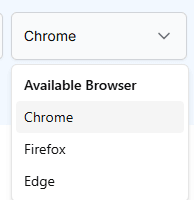
You can run your test cases in Chrome, Firefox, or Edge by selecting the desired browser from the dropdown menu. This flexibility allows you to validate cross-browser compatibility, ensuring a seamless user experience regardless of the browser used.
Visual Testing
To be completed.
Dynamic Data Loading
To be completed.